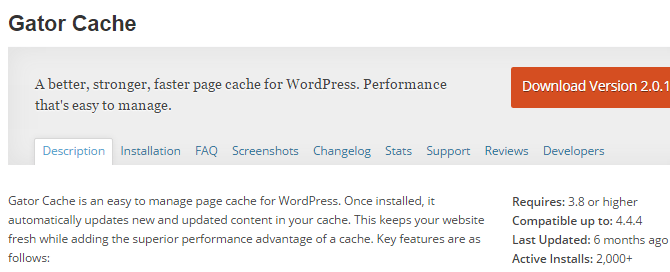



Simple Cache was developed by Taylor Lovett after getting frustrated dealing with caching plugins that are far more developer-friendly than beginner-friendly. The plugin is active on around 2,000 WordPress websites and has a very strong user rating of 4.7 out of 5 stars. Smart Cache does two things: cache WordPress pages (and posts) and enable gzip compression of website resources.
After installing and activating Simple Cache you’ll see an admin notice prompting you to Turn On Caching. The plugin settings panel can be accessed by going to Settings > Simple Cache. If you pressed the button in the admin notice, caching will already be enabled. If you pressed the button in the admin notice, caching will already be enabled. If you didn’t, you can turn on caching from this menu.
The only other thing you will definitely want to do in the settings menu is to enable compression. You can also toggle on Advanced Mode to manage caching exceptions or set up object cache, but most users won’t need to worry about that.
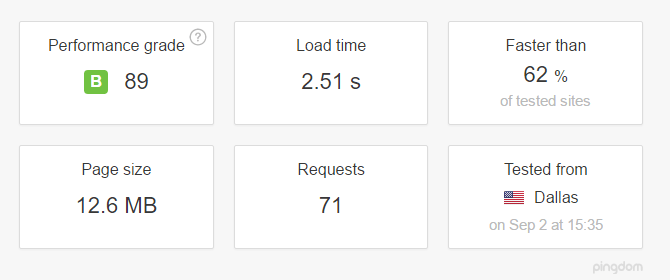
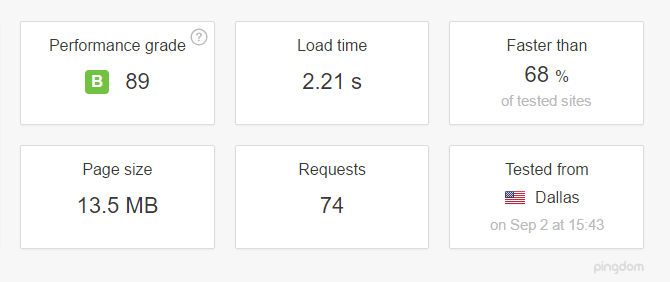
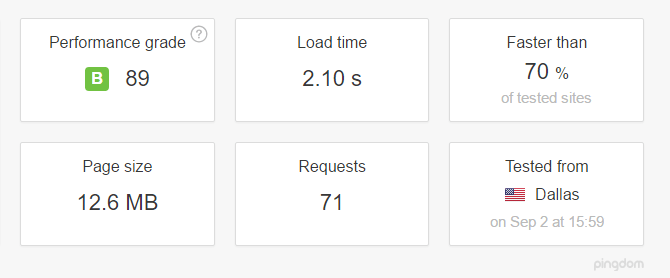
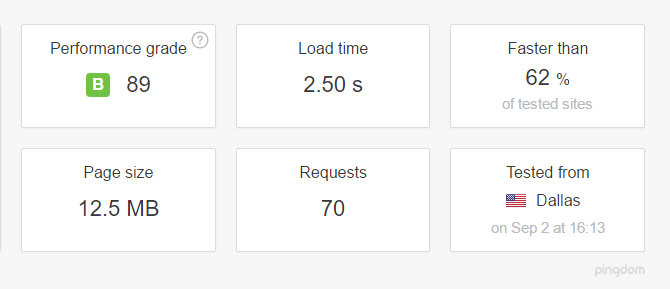
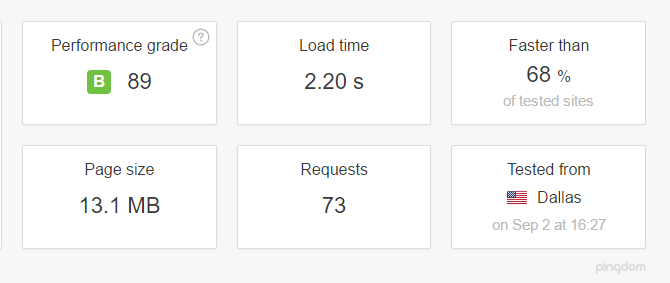
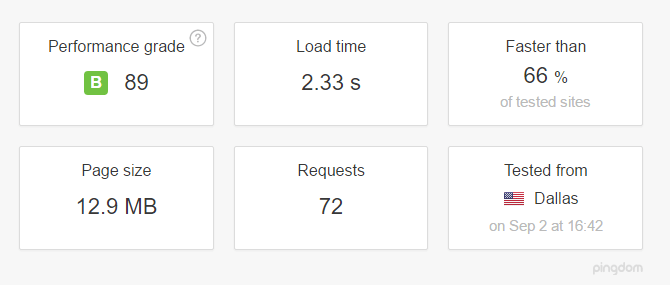
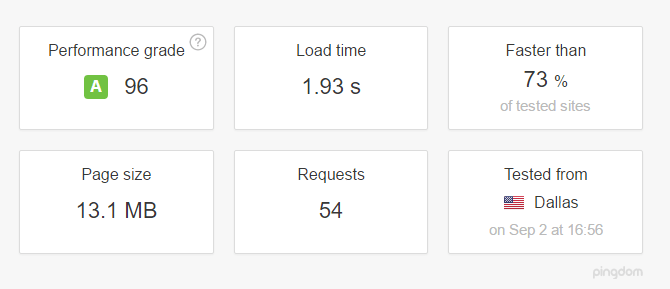
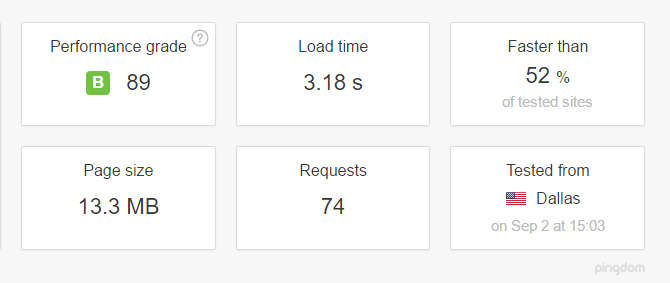
With caching and compression enabled, here’s how our oversized site performed at Pingdom:
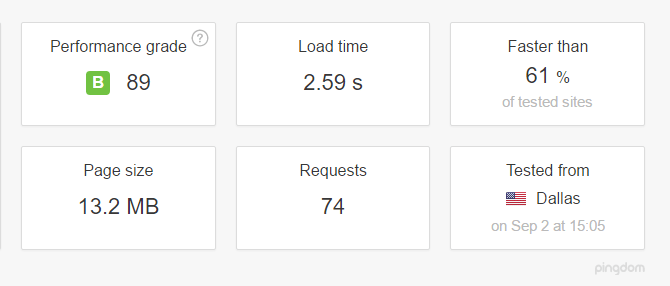
Modest results, but considering the weight of the site, not unreasonable. A site this heavy that loads in less than 3 seconds from a shared server is doing just fine.