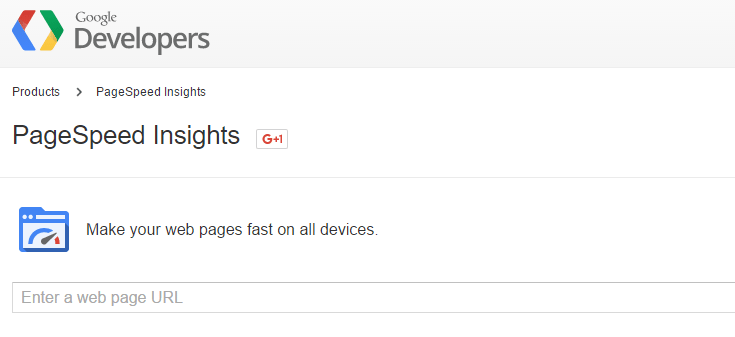
The short version: Get a list of recommendations from Google of how to optimize the delivery of your website.
If any test is more popular than Pingdom Website Speed Test, it’s Google PageSpeed Insights. One thing that makes Google PageSpeed Insights popular is that provides insights into what Google thinks your website visitors think about your website’s performance.
Who doesn’t want to know what Google thinks about their website, am I right?
What PageSpeed Insights does is fetch your site twice: once as a desktop user and a second time as a mobile user. It then grades the performance of your website based on ten performance metrics.
Your goal, according to Google, should be to achieve a score of 85 or higher on both the mobile and desktop versions of the test. However, it’s important to remember that this is a measure of what Google thinks. As a result, from time to time you’ll see someone criticising PageSpeed Insights, usually because PageSpeed Insights doesn’t actually grade a site based on speed and seems to prioritize performance over user experience — an accusation Google has acknowledged does have some validity.
The truth is you can have a slow website that scores higher when tested with PageSpeed Insights than a blazing fast site. However, your users care a lot more about how quickly your website loads than whether you load jQuery in the site header or footer.
So, should you avoid PageSpeed Insights entirely? Hardly. Instead, use PageSpeed Insights as a tool that can tell you specific things about your website, such as:
- Which CSS and JavaScript files are in a render-blocking position?
- Is your browser caching plugin working the way you think it is?
- What are some specific things you can work on to try and improve website speed?
Just don’t chase a perfect PageSpeed Insights score. Instead, use the tool to identify and fix problem areas, and then test website speed with a tool that actually tests speed, such as Pingdom or GTMetrix.