We spend a lot of time talking about how you can improve your WordPress website’s design and functionality in order to get your visitors to feel a certain way about it. In other words, you want them to want to convert.
You’ve given them a quick-loading site, beautiful high-resolution imagery, and an engaging story to follow… and yet you still discover some of these potential leads abandoning your site before making a purchase, subscribing to your blog, or contacting you for more information on your services. Why?
Sometimes it isn’t about what you didn’t do right. Sometimes your visitors just aren’t ready to convert. I’m sure as a consumer you’ve felt that way before. Let’s say you needed to purchase WordPress support services. You visited a number of websites to get more information on what’s available, but you left without taking action. You just weren’t ready to act yet.
Now let’s say one of those websites had shown real promise. They offered you everything you believed you needed in a support provider and the monthly cost seemed reasonable enough. What would you do if you received a pop-up message right before leaving that offered a special discount rate only available if you purchased their services today? You’d probably stop to consider it, right?
Lost conversions aren’t always a sign that there’s something amiss with your website. Regardless of the reason why visitors aren’t converting, it’s important to cover all your bases. Today we’re going to focus on those last-minute tricks you can use for preventing conversion loss.
The Art of Preventing Lost Conversions
If you had to guess what sort of conversion rate a website like Amazon has, what would you guess?
Most experts put the average conversion rate somewhere between 2% and 5%, which is pretty spot-on for top e-retailers. Amazon’s conversion rate for Prime members, however, is a whopping 74% while non-Prime members convert at a rate of 13%.
Now, I understand that example is a bit over-the-top, but the point I want to make is that higher conversion rates are possible. When it comes to defining what a “good” conversion rate is for your own website, you need to examine your site’s historical data and determine its potential based off of that. Maybe it will fall into that perfect range between 2% and 5%. Maybe it’ll be a little less or a little more. Whatever your number might be, you should have plans to further boosting that rate by making strategic changes to your website.
With a website fully optimized in terms of design, performance, and direction, driving visitors to take an action should be fairly straight-forward. However, if you review your Google Analytics reports on a regular basis and notice a bounce rate that doesn’t quite align with your expectations or if you’re just not seeing the conversions pouring in, it’s time to determine what further steps can be taken.
You can’t afford to lose revenue or traffic (due to a drop in SEO) because you have too many visitors backing out of your site or abandoning their purchases. You’ve built your website to work for you, to sell your brand, and to give your customers what they want. If your website is not able to close the deal despite its near-perfect setup, here are some ways you can prevent further conversion loss:
#1: Exit-Intent Tools
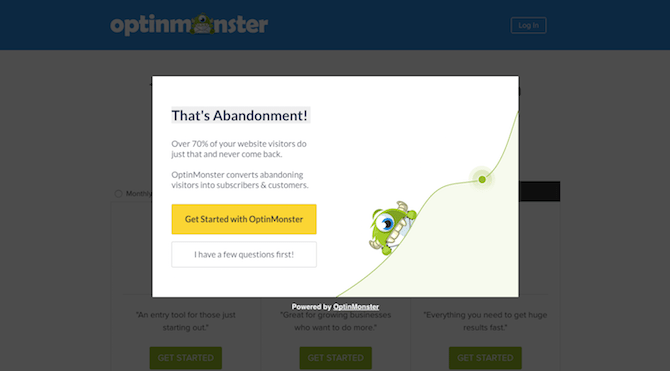
There is a lot of technology available today that helps convert visitors up until their last moment on a website. They go to hit that back button or to move on to a new website, and then POP! Here comes an exit-intent message.
The purpose of these last-minute messages is to give your visitors one more opportunity to convert before leaving.
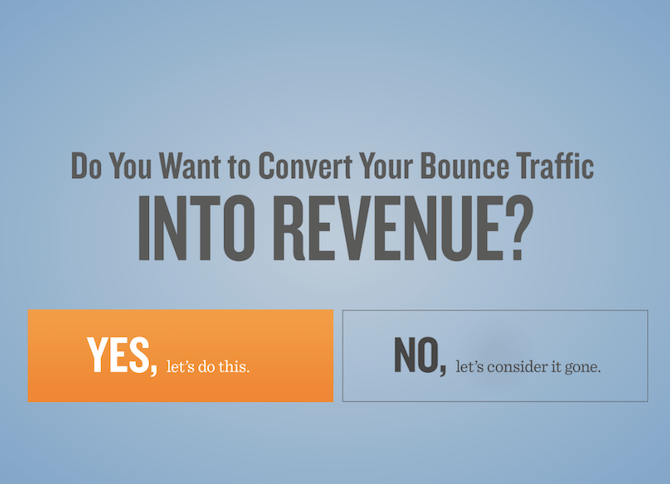
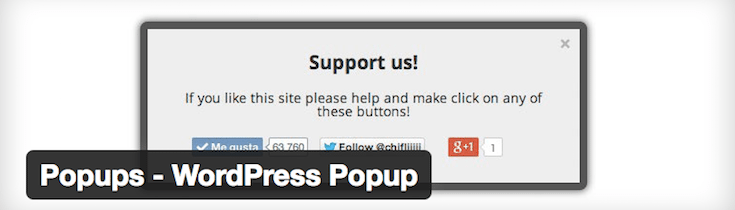
- You can use a pop-up message that forces them to consider going back for one more look (like in the example above).
- You can give them a very easy sign-up form, like, “Hey, you just spent 20 minutes reading our blog. Are you sure you don’t want alerts when a new one is ready?”
- You can use these exit-intent messages to give visitors something special for sticking around, maybe something for free or offer a content upgrade if they act now.
- You can also use these exit-intent messages to ask why they’re leaving. Give them a single-question survey to answer. That way, if they were dissatisfied or didn’t find what they were looking for, you can find out why.
Remember: the point in using exit-intent technology is not to give visitors more work to do or to take up a lot of their time. Make your message quick and snappy, and only ask them to take one simple action. Click this button. Give us your email. If they were on the fence about taking that action before, your well-timed and engaging message may just change their mind.
#2: Scroll-Triggered Lightboxes
Scroll-triggered technology may look similar to exit-intent pop-ups. There are two big differences here though:
- The action that triggers these pop-ups is a scroll and not an attempt to leave the website.
- These are more targeted efforts at keeping visitors engaged—especially as it pertains to a specific piece of content they’re viewing.
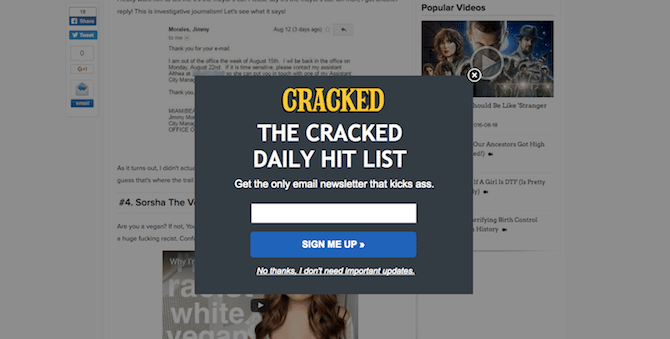
You’ll often see these on websites that have a lot of longer content on them. As people move their way down the page, the message will pop up and offer something more than just the monotonous reading and scrolling. In so doing, visitors become actively engaged and are given an extra reason to stick around or complete an action. Here are some examples of scroll-triggered pop-ups that may help increase engagement and drive conversions better:
- Subscription requests: According to AppSumo, if a subscription pop-up is triggered five seconds after arriving on a page or scrolling through it, you’ll get twice as many sign-ups than you would have had otherwise.
- Post-specific pop-ups: If your visitors have been interested enough to scroll through and read one piece of content, chances are good they’ll want to see what else you have. This is a great opportunity to use a pop-up to offer a free download to something more comprehensive (and relevant) that they wouldn’t be able to find on their own.
- Live chat integrations: Depending on the tools you have on your site, you may be able to see visitors’ progress as they scroll through it (especially as they go through the shopping cart). If that’s the case, live chats are less intrusive than pop-ups, and still offer you an opportunity to actively engage with visitors in a relevant and helpful fashion.
Remember: your goal with scroll-triggered messaging is not to distract from what visitors are doing on the site. Give them a reason to take a few seconds away from what they’re reading to engage with you or take some other action.
#3: Post-Exit Follow-Ups
While many of these conversion recovery technologies are targeted at capturing visitors while they’re on your website, that doesn’t mean you have to consider the conversion a total loss once they’ve left. One of the most important goals in marketing your business is to keep it top-of-mind with customers and prospects. That is what these follow-up techniques aim to accomplish.
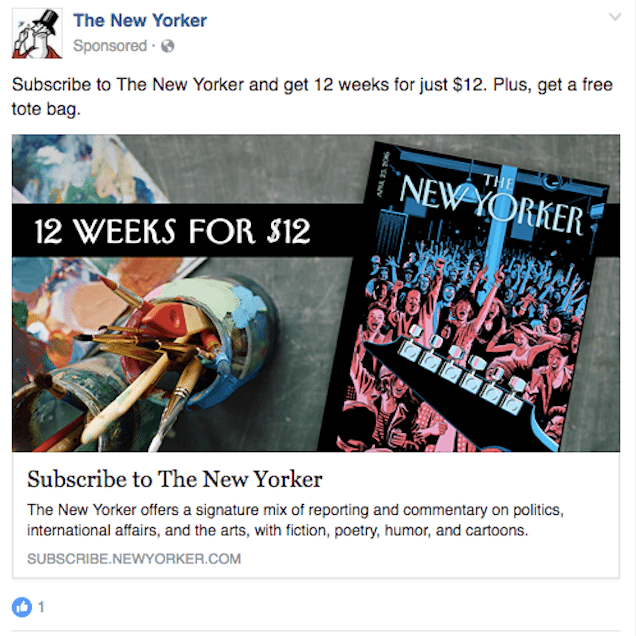
As you can see from the image above, The New Yorker is stalking me. I took a look at their website a week ago, considered making a purchase, and then left the website because I wanted to think it over. Ever since then, I’ve being followed around by this same ad proposing 12 weeks for $12 deal. And you know what? I’m probably going to make that purchase because I’ve been thinking about it all week and it just keeps sounding better and better.
If you haven’t heard of remarketing/retargeting before, it’s a really smart and totally sneaky way to try and recapture visitors’ attention after they’ve left your website. And that’s not the only way you can follow-up with visitors once they’ve left. You can also use email to follow up with visitors after they’ve begun the shopping cart process. (We’ll have more details on that below.)
Remember: in order to convert your visitors, you’ve got to gently guide them to take action. If you’re beating them over the head saying “Buy Me! Do This Now! Don’t You Dare Leave!”, no one’s going to want to do business with you. You’ve got to first understand what it is that drew those people to your site, speak directly to their pain (or interests), and offer them something worth coming back for.
7 Helpful Tips for Preventing Lost Conversions
When we typically talk about calls-to-action (CTA) for a website, we tend to focus on the CTAs built into a website’s design that guide visitors to a conversion. The three techniques suggested above are also a form of call-to-action, it’s just that they’re more urgent and focused on giving visitors a quick reminder that they shouldn’t leave just yet.
Like with the standard built-in CTA, these conversion recovery techniques should follow the same logic in terms of construction:
Play to Their Emotions
You can construct these messages in a way that forces them to acknowledge that they feel a certain way, and give them a reason to pause and re-think their decision to leave. If you can, focus on leaving them with a positive or empowered feeling.
Use Urgency
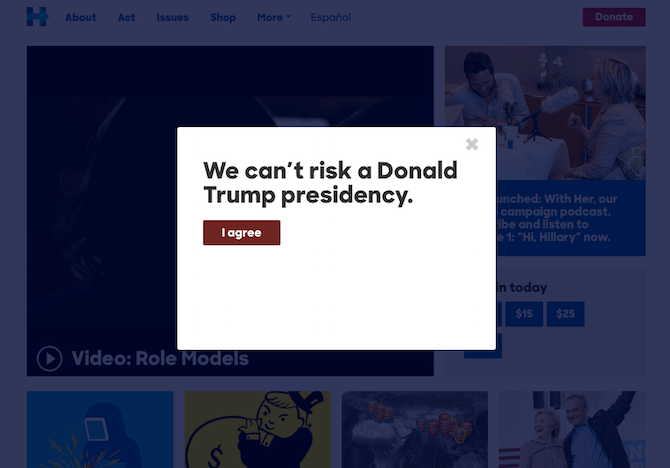
You can use certain language to instill an urgent vibe. “Sign up now.” “Find out who stole Johnny’s identity today.” Or you can use urgency by presenting a limited-time special offer.
Add Some Color
Color is always an important consideration in design. Color can invoke certain emotions, it can help leave a lasting impression of your brand, and it can call attention to something that might otherwise get missed.
Make it Move
While this isn’t absolutely necessary, motion has been known to help draw attention to certain parts of websites. Perhaps you can use slide-in messages or live chats that pop up from the bottom of the screen with a noise. Or maybe you’ve got a quick video or animation that can be included in the pop-up. Whichever movement you choose, make sure it’s relevant.
Add Value
If your site’s visitors are getting ready to leave or you just want to inspire them to stick around for a little while longer, these pop-ups need to provide them with something extra. Maybe a one-time offer, a free download of an e-book, or just a thought-provoking statement, like: “Did you know the average shopping cart abandonment rate is 68%?” Then you give them the option to speak to you through their response.
Keep it Brief
As always, you want to keep your messaging brief. The fewer words you can make this last-ditch sell in and the fewer steps they have to take to hop back into your site, the better chance you’ll have at recovering those conversions.
Use Tools
You’re in the business of developing WordPress websites, which means you’re used to having a plethora of tools, plugins, add-ons, and other integrations easily at your disposal to make the process easier. When it comes to preventing conversion loss, there are more than enough to get you started: