Social media is important. I know that, you know that. So why do I keep blathering on about it? Well, because understanding how you can best integrate social media into your websites can aid in the success of your site tremendously.
I mean, just think about it: social media makes your website look relevant and up-to-date. It gives your visitors a way to connect and interact with you directly. Plus, it gives them a way to share your content with their followers and friends.
Well, it can do all of these things if you actually include proper social integration on your site. And it’s so easy to add that there are really no excuses.
Today, we’re going to focus on the numerous ways you can add social media to WordPress by means of third-party tools. More often than not, said tools take the form of plugins. My original intent was to be comprehensive here. But one glance at the plugin repository and premium plugin markets told me I’d be in way over my head with that goal. Instead, I’ve put together what I think are the best social media plugins available right now, many of which you’ve probably never tried before.
I’ve also broken down this guide into several categories including social media feeds, social sharing, social icons and buttons, scheduling, comments, and content lockers for easier browsing.
We have a lot of ground to cover here, so let’s get started.
Plugins That Add Social Feeds
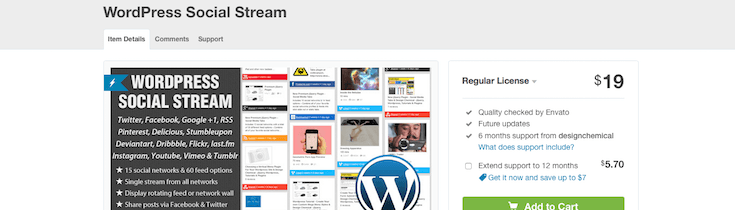
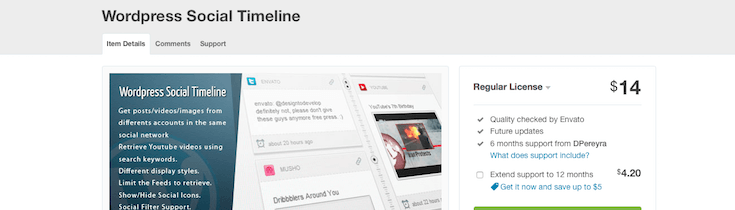
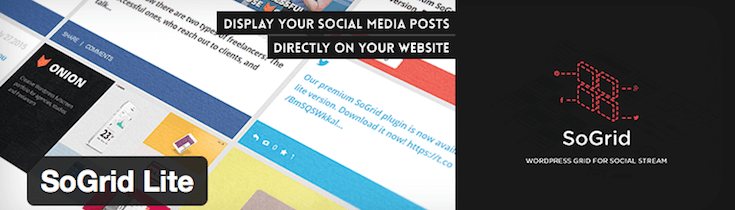
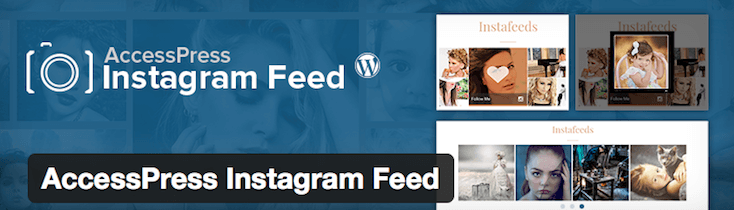
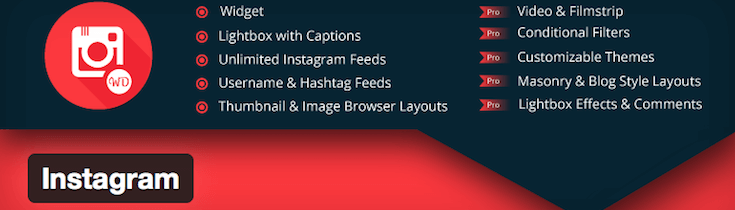
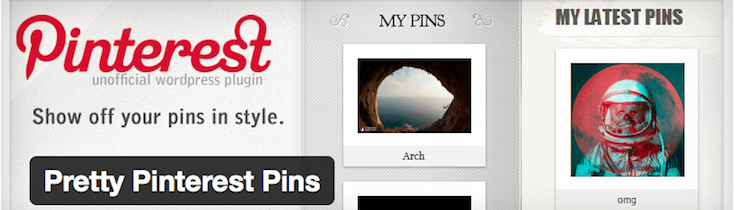
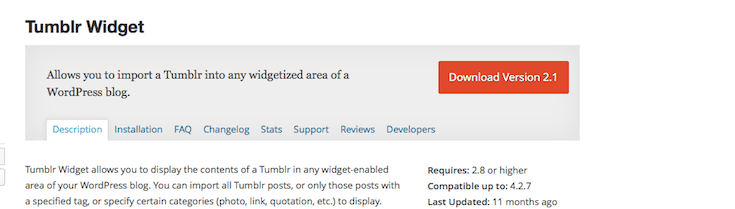
Here’s a huge collection of plugins that allow you to add social media feeds from all or specific social networks directly to your WordPress site. They are organized from those that are all-inclusive to those that focus on a single network. It’s easy to get lost here, as I’ve included a lot of plugins and this isn’t even all of those currently available. Hey, at least you have plenty of options to choose from, right?
Plugins That Add Social Sharing Buttons
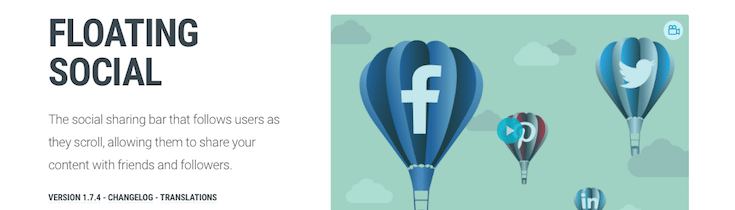
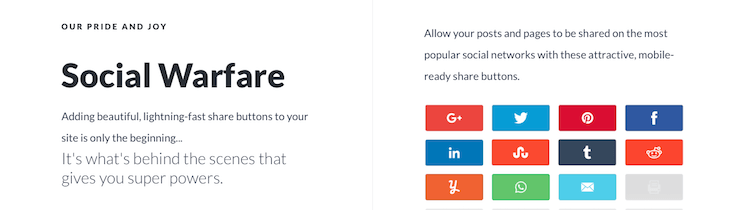
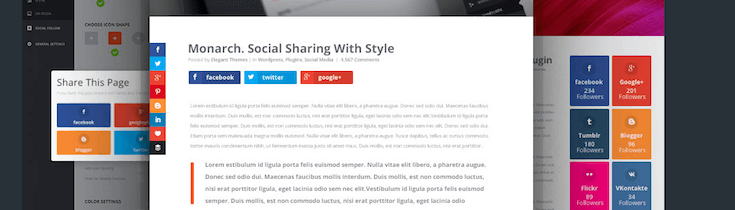
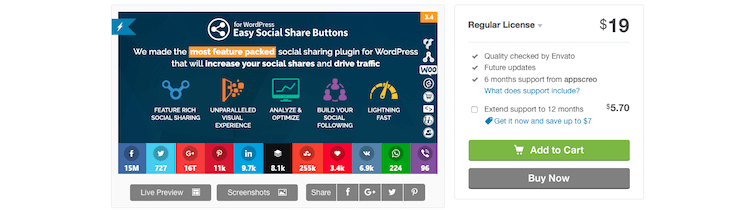
Another way you should integrate social to ensure you get the most out of each visitor is to add social sharing buttons. These most often appear at the top or bottom of posts, or in a floating sidebar of sorts to give visitors a constant reminder to share content they love with their friends and followers. Here’s a solid selection of social sharing button plugins worth considering:
Plugins That Add Image Sharing Buttons
A few of the plugins mentioned above do offer image sharing options. However, if you really want to emphasize image sharing—like if you run an e-commerce site or style guide—a dedicated image sharing plugin might be best. Here are a few excellent options:
Plugins That Add Social Scheduling
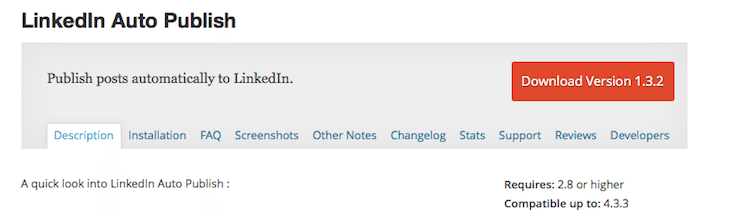
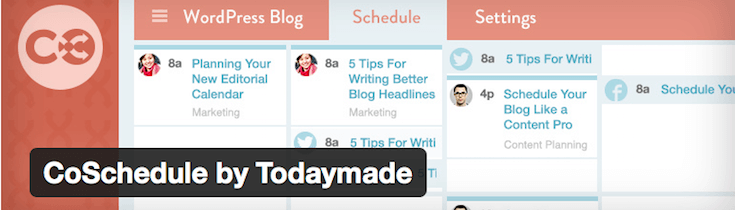
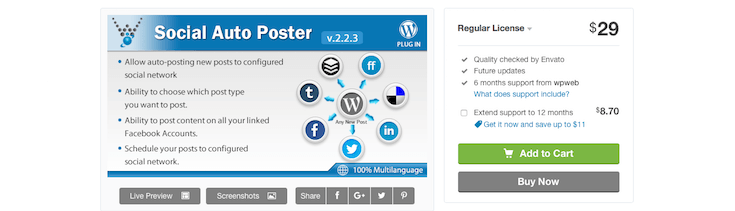
Another important component of adding social media to WordPress is social scheduling. Being able to automatically promote new posts when they’re published is a real time saver. And there are many tools that allow you to do this, so let’s get right to it:
Plugins That Add Social Commenting
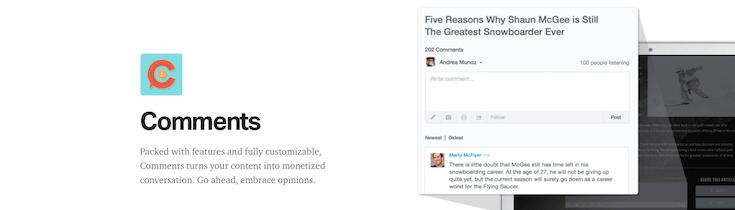
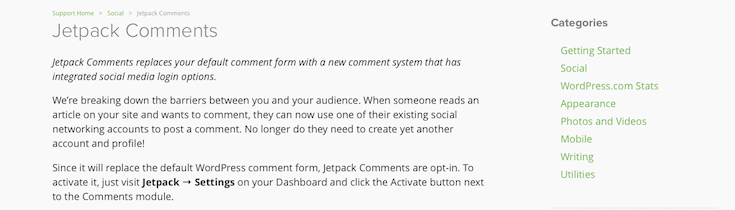
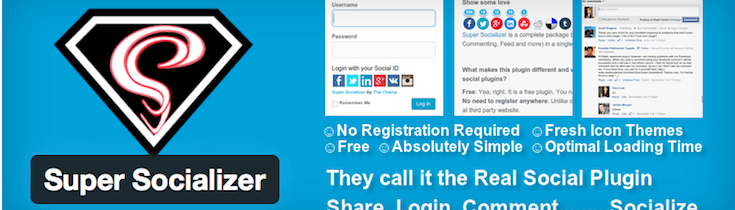
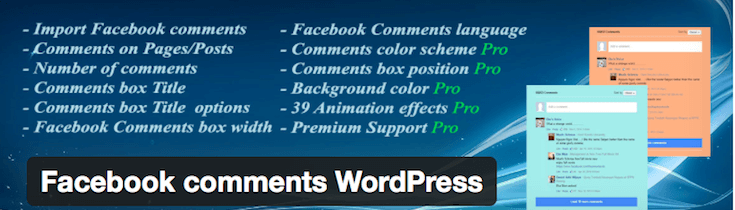
Another category of plugin you should be aware of is social comments. These plugins allow your visitors to login with their social media credentials and make comments that appear both on your site and on social media streams. This can help to expand the reach of your site and improve overall engagement:
Plugins That Add “Like to Unlock” Content Gateways
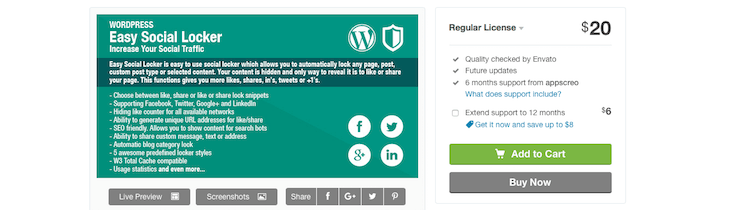
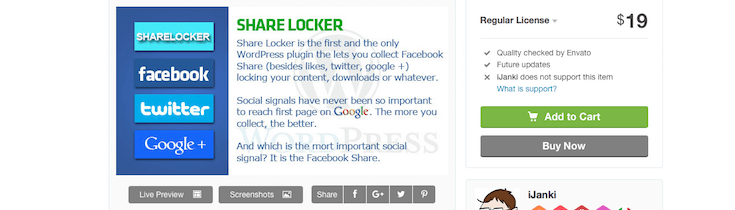
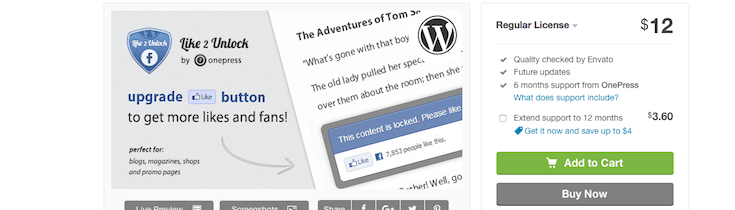
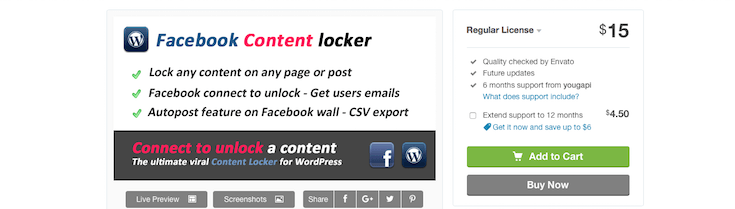
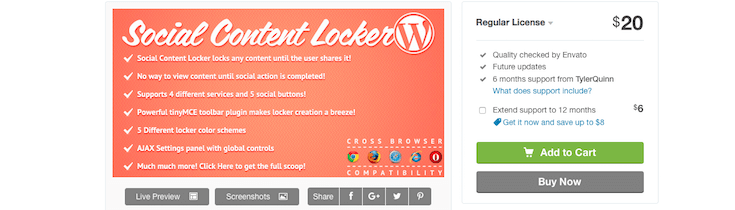
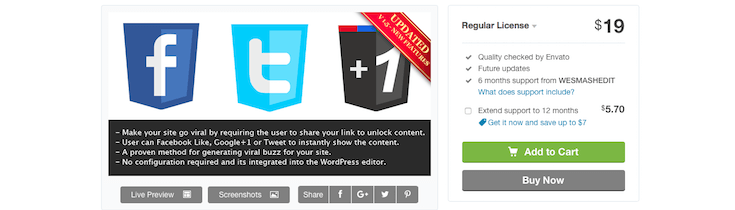
The last category of plugin we’ll discuss here today is the content gateway. Specifically, content gateways that are triggered or “unlocked” by some kind of social action your visitors take. This varies depending on the plugin and include things such as liking a post, sharing a post, or following one of your social media accounts:
Wrapping Up
I realize this was a massive list and it’ll take some time to get through all of the options but it’s my hope that by being comprehensive (within reason) you’ll come across a new plugin or two you’ve never heard of before and give them a shot. So many of the social media plugin collections out there focus on just a few familiar names. Why not expand your horizons a bit?
Have you used any of the plugins featured here? I’d love to hear about your favorites below.